
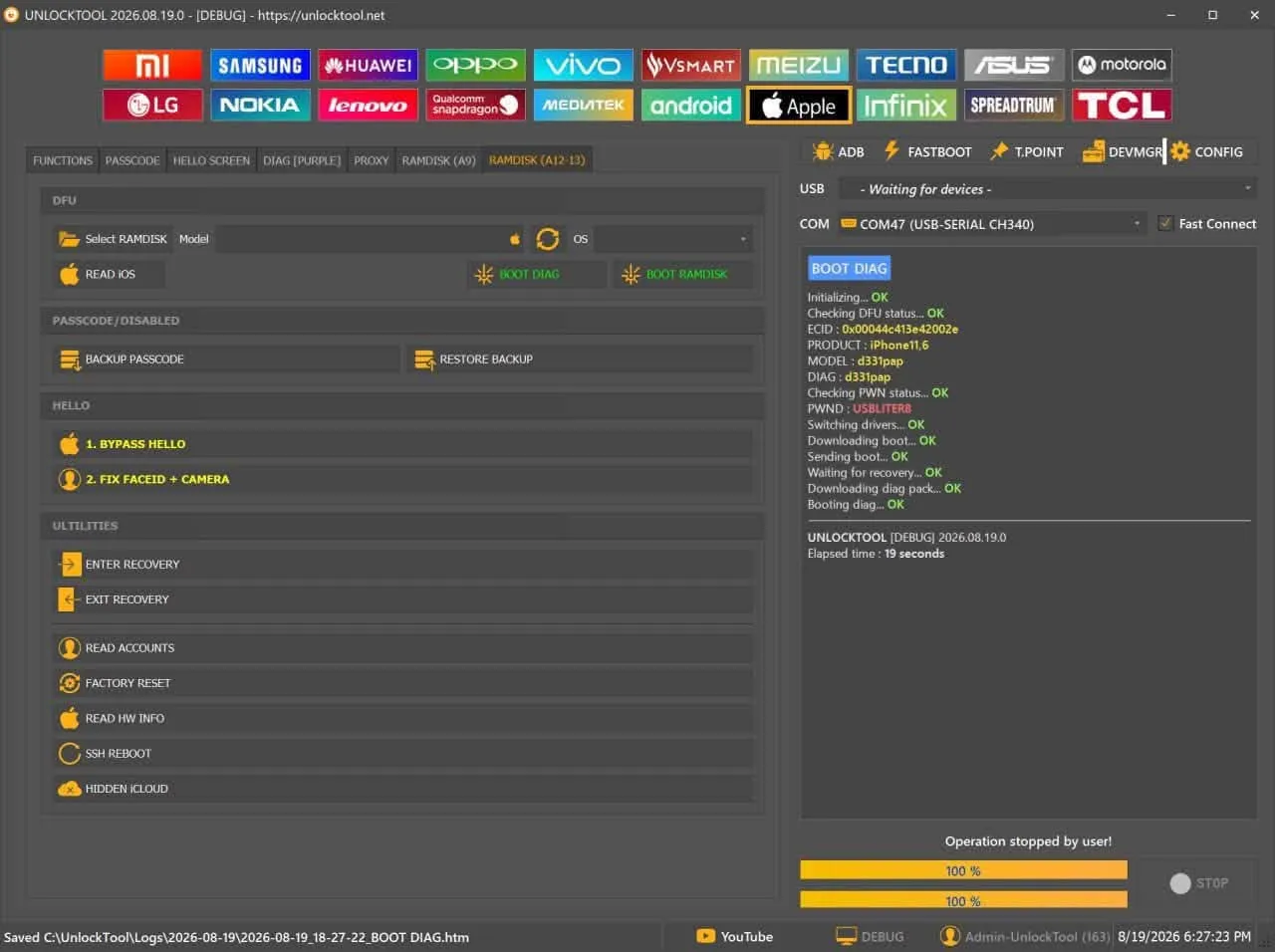

Renting UnlockTool is the most cost-effective solution for mobile phone repair technicians who need fast unlocking services while still enjoying full features like an official license. UnlockTool supports advanced tasks such as unlocking, FRP bypass, firmware flashing, and software repair, and it works without a dongle/box. You simply log in via the server and use it flexibly on multiple Windows computers.
At ThueVIP, you can rent UnlockTool based on your needs (short-term / trial use) to handle a few devices or test the tool before purchasing a long-term plan. The key benefits of renting include low cost, full-feature access, instant account delivery, and fast support via Zalo/Telegram whenever you face issues.
If you need long-term usage, ThueVIP also provides official UnlockTool activation and renewal with flexible plans of 3 / 6 / 12 months, ideal for repair shops and professional technicians. The license is processed online quickly, can be activated automatically within a short time, and ensures stable performance.
- Best for: mobile technicians, phone repair shops, FRP/Unlock/Flash services
- Multi-device support: iPhone & Android (Samsung, Xiaomi, Oppo, Vivo, Realme, Huawei, Tecno, Infinix…)
- Cost optimization: short-term rental for testing or urgent same-day jobs
Frequently Asked Questions About Renting UnlockTool
Want to learn how to rent UnlockTool, which devices are supported, how rental time is calculated, or when a refund may be issued? The answers below will help you prepare before renting an UnlockTool account, avoid common setup problems, and make the most of your rental period.
Does UnlockTool support iPhone and iPad?Yes. UnlockTool provides several functions for iPhone and iPad, including Hello Screen bypass, data reading or backup, notification fixes, and iCloud hiding. Availability depends on the device model and iOS version.
Some models up to the iPhone X may not require an external board. Models from the iPhone XR through the iPhone 11 Pro Max may require additional hardware or a supporting board. Please contact us with the exact model and iOS version before renting so we can check compatibility.
Will rental time continue to run during a power or Internet outage?Yes. Your UnlockTool rental period is calculated in real time from the moment the account is delivered. The countdown continues if your computer loses power, the Internet connection is interrupted, or you temporarily stop using the software.
Once the connection is restored, you can sign in again on the linked computer and use the remaining rental time.
Can I get a refund if the device cannot be serviced?The service gives you access to UnlockTool for the selected rental period, but it does not guarantee successful processing for every device. Results depend on the model, software version, device condition, installed drivers, and the user's technical procedure.
Refunds are available only when the problem is caused by the service, such as an unavailable UnlockTool server or a supplied account that cannot be accessed. Incorrect operation, incompatible devices, and missing drivers are not eligible for a refund.
Can one UnlockTool account be used on two computers?You should not use the account on two computers at the same time. Under UnlockTool's device policy, an account can be moved to another PC only after six hours.
If you sign in on a second computer before the waiting period ends, the system may display an error because the account is still linked to the original PC. You will need to continue using the original computer or wait until the PC-change restriction expires.
What should I prepare before renting an UnlockTool account?To avoid wasting rental time after the account is activated, prepare the following in advance:
- Download and install the UnlockTool software.
- Install the correct drivers for the device brand and chipset.
- Use a reliable USB cable and a properly working USB port.
- Check your computer's Internet connection and power supply.
- Confirm the exact device model, operating system version, and current condition.
Preparing these items helps UnlockTool detect the device more quickly and allows you to use your rental time efficiently.
Does UnlockTool support newer phone models?Yes. UnlockTool regularly adds new models and features for brands such as Samsung, Xiaomi, OPPO, Vivo, and realme. Some devices running newer Android versions, including Android 16, may also be supported depending on the model, security patch, and connection method.
Because the supported-device list changes with each update, check the exact model before renting instead of relying only on the brand name or Android version.
How do I install the correct drivers for UnlockTool?Open UnlockTool, go to Config, and select Install Driver to install the required drivers.
If the computer still does not detect the device, check its chipset, connection mode, and corresponding driver. You can also contact our support team through Zalo for help choosing the correct driver package.
Are discounts available for frequent UnlockTool rentals?Yes. Phone repair shops, technicians who rent regularly, and customers who need monthly access may qualify for special pricing.
Contact us directly through Zalo and provide your expected rental duration and frequency. We will recommend a suitable UnlockTool rental plan.
Which payment methods are accepted for UnlockTool rentals?Customers can pay by bank transfer through Vietcombank, MB Bank, Techcombank, and other supported Vietnamese banks. Electronic wallet payments through services such as MoMo and ZaloPay are also accepted.
After making a payment, keep the transaction details or receipt so we can verify the payment and deliver the account promptly.
What should I do if I forget my UnlockTool account password?When placing your rental order, provide an active and accurate email address. The system will send the account details, including the ID and password, to that address so you can retrieve them when needed.
If you cannot find the message, check your Spam, Promotions, or Junk folder before contacting support.